Videos and post images already public on media.timewarp.software. Narrated package videos link to the package page they already belong to. Other files are named from their public path. This page does not add titles, transcripts, or captions that are not already published.
This page as markdown.
Videos
Add a public video by appending a heading, a plain description, a Video: line,
and Captions: or Poster: lines when those files exist.
One command, every repo: the TimeWarp dev CLI
Narrated explainer. Package page: TimeWarp.Nuru.DevCli.
Video: https://media.timewarp.software/nuru/dev-cli-explainer.mp4
Poster: https://media.timewarp.software/nuru/dev-cli-explainer.jpg
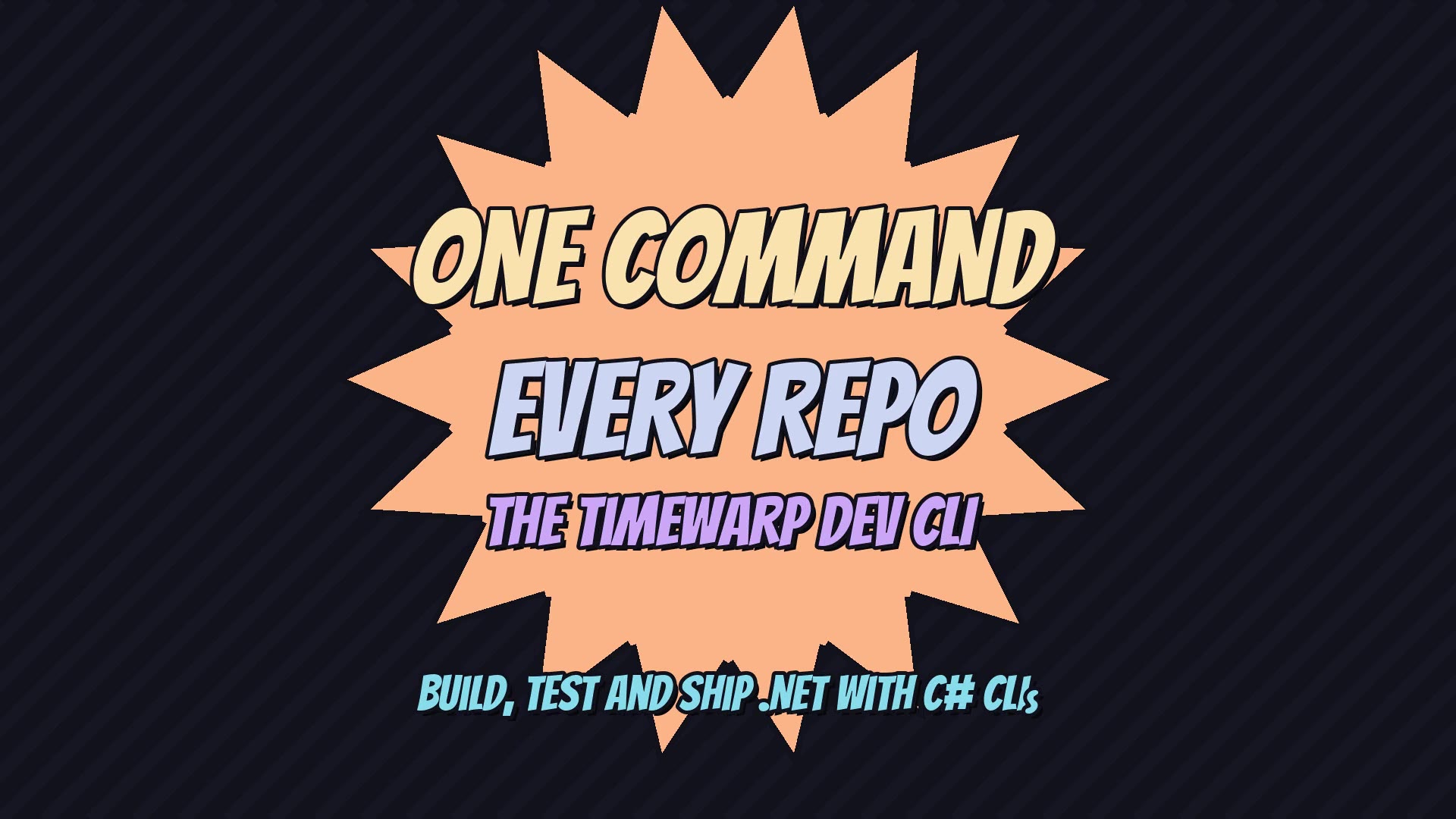
Captions: https://media.timewarp.software/nuru/dev-cli-explainer.vtt
Transcript
Every repo has the same question. How do I build this thing? Bash scripts, a makefile, a Cake file nobody remembers writing. At TimeWarp, the answer is always one word. dev.
Our repos all carry a dev CLI, in the same folder, with the same name and the same shape. Learn it once, and you can walk into any repo and get to work in seconds. Today, we follow one of them: TimeWarp.Nuru itself.
It didn't start this way. Builds used to be a pile of separate runfiles: build, clean, test, each on its own. Task 256 rolled them into one dev command, with two big goals. Shrink the CI file. And run the exact same commands on your laptop that CI runs.
Here's TimeWarp.Nuru's dev CLI. Ten commands: build, test, format, analyze, verify samples, and the full workflow, plus clean, check version, release and self-install. And notice: nobody wrote this help screen. It's generated straight from the code, so it can never drift out of date.
This is the whole entry point. Give it a name, register a few services, discover the endpoints, and run. About fifteen lines. There's no switch statement and no argument parsing to maintain. Every command lives in its own small file.
And each command is a plain C# class. A route attribute names it. Options are typed properties, so a boolean flag really is a boolean. The compiler checks it, your IDE autocompletes it, and the restore and build calls go through TimeWarp.Amuru instead of fragile shell strings.
Now here's the free stuff. Clean, check version, release and self-install aren't written in this repo's dev CLI at all. They come from the shared Nuru dev CLI endpoints. Here they're pulled in as source, and every other repo gets them from the NuGet package. And with AOT switched on, self-install compiles the whole tool into one fast native binary.
Because it's built on TimeWarp.Nuru, the dev CLI inherits the plumbing for free. Help. Version. Capabilities, with filtering and search. JSON arguments.
Capabilities is the superpower. It prints every command, every option, and every type as JSON. An AI agent reads that contract and knows exactly what it can call. No guessing. No scraping help text.
Our agents have a skill for exactly this. Step one, ask dev for its capabilities. Step two, run the command. The same tool serves you, CI, and your agents, so nobody keeps a separate set of instructions.
Now, CI. The GitHub workflow is a thin trigger. It checks out, sets up .NET, logs in to NuGet with short-lived OIDC credentials, and then the real work is one call: dotnet run dev.cs -- workflow. The build logic lives in C#. YAML just handles the login and cleanup.
The pipeline itself is C#. The workflow command reads the GitHub event and picks pull request, merge, or release mode. Then it calls the clean, build, and test handlers directly. Your whole CI is code you can read, refactor, and step through in a debugger.
And because it's code, it's testable. This test pins down that a manual dispatch never publishes by accident. Try writing a unit test for a bash script. Here, it's just another test.
So here's the payoff. One C# tool that runs on Windows, Mac and Linux. Typed, so mistakes die at compile time. Testable, like the rest of your code. And callable by people, pipelines and agents alike. Clone a repo. Type dev. You're home.
Ask panel demo (arch.timewarp.work)
Narrated demo. Package page: TimeWarp.Architecture. No poster file.
Video: https://media.timewarp.software/architecture/arch-ask-demo.mp4
Captions: https://media.timewarp.software/architecture/arch-ask-demo.vtt
Transcript
Meet TimeWarp Architecture, and its built-in agent, Akili.
Step one, create an account. No password. No email. One passkey, and you're in.
Everything is one keystroke away. Control K, type Ask, and Akili opens right beside the page.
Now just say where you want to go, in plain English.
But Akili never acts behind your back. It shows you exactly what it wants to do, and waits for your yes.
Trust it more? Switch to Automatically edit, and that approval step is gone.
Ask for the Feedback page, and boom, you're there. No menus. No hunting. Just say it.
That's TimeWarp Architecture. Your app, driven by plain English.
nuru/v3.0.0/nuru-3-launch.mp4
Public video nuru/v3.0.0/nuru-3-launch.mp4. No captions file. No package page.
Video: https://media.timewarp.software/nuru/v3.0.0/nuru-3-launch.mp4
nuru/pitch/nuru-pitch-v4.mp4
Public video nuru/pitch/nuru-pitch-v4.mp4. No captions file. No package page.
Video: https://media.timewarp.software/nuru/pitch/nuru-pitch-v4.mp4
nuru/same-cli-every-shell.mp4
Draft dated 2026-10-18 in the media manifest. Not a shipped package video. No package page.
Video: https://media.timewarp.software/nuru/same-cli-every-shell.mp4
Captions: https://media.timewarp.software/nuru/same-cli-every-shell.vtt
Images
Post and card images already public on the media host. The label is the path.
Site chrome logos are not listed. Append an Image: line when another public
post image should appear here.
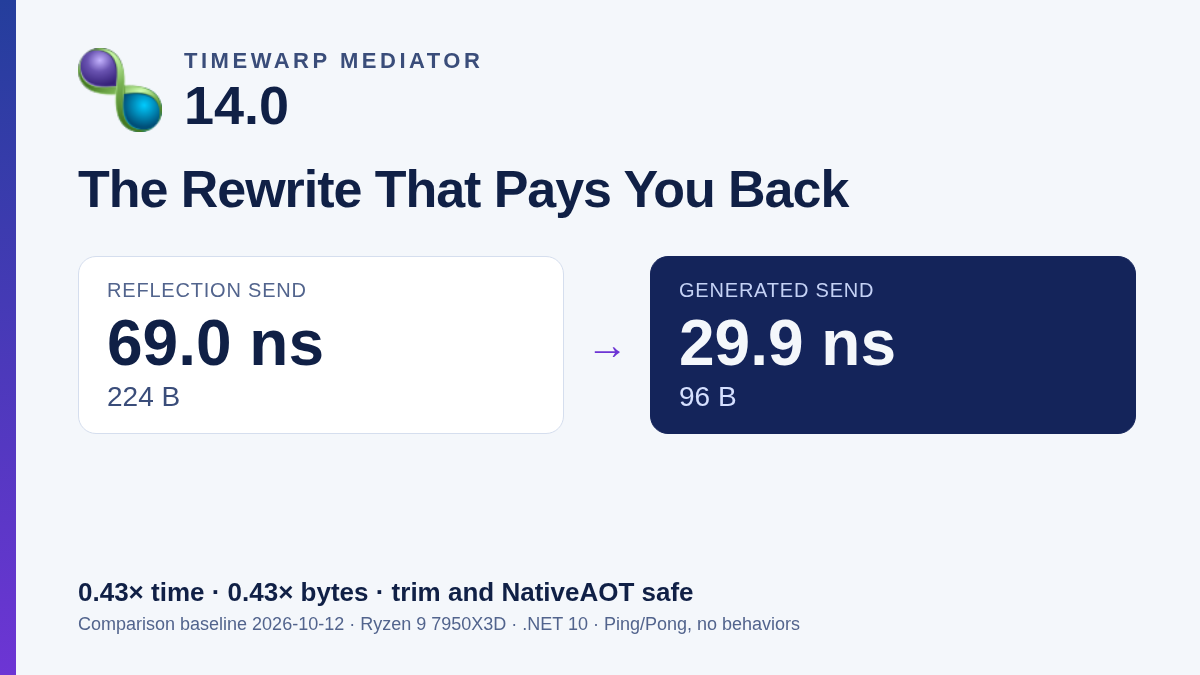
Image: https://media.timewarp.software/mediator/v14.0.0/timewarp-mediator-14-card.png
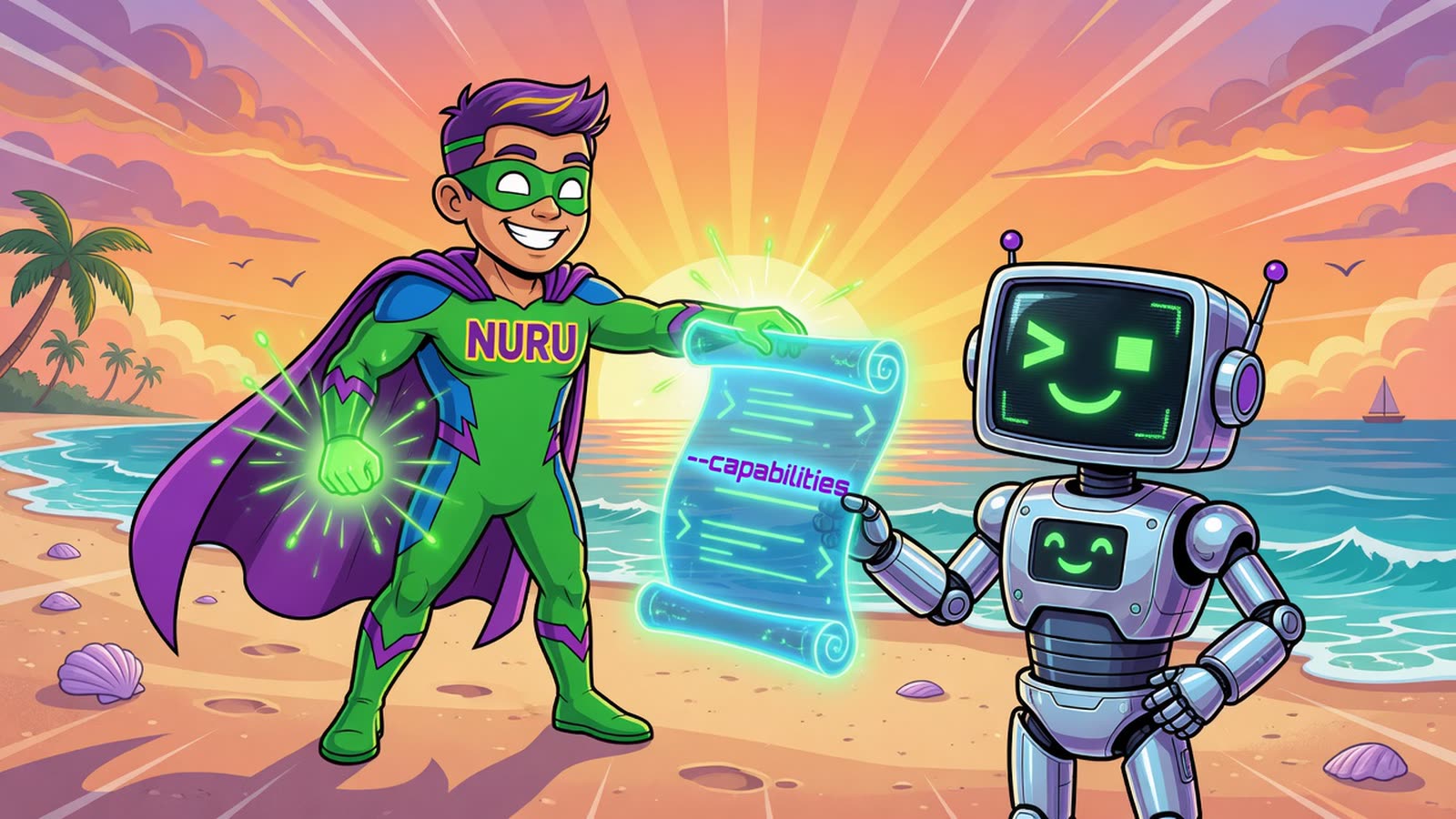
Image: https://media.timewarp.software/nuru/v3.0.0/nuru-3-hero.jpg
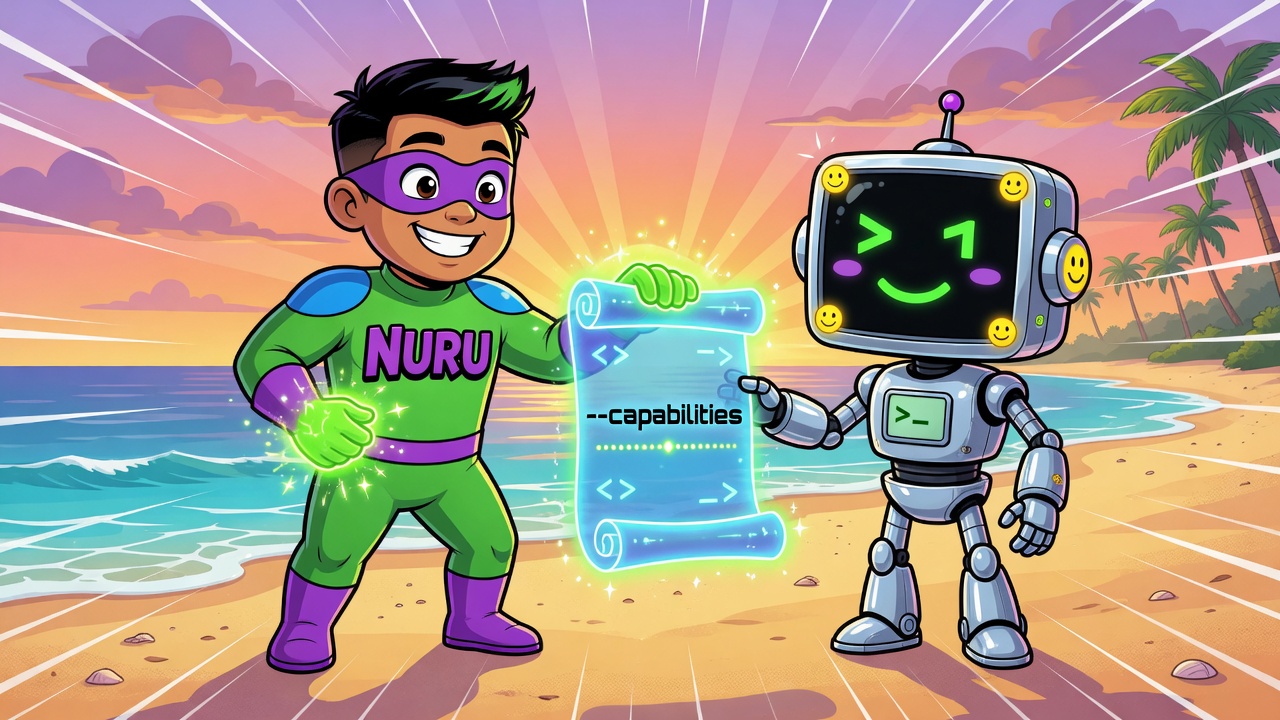
Image: https://media.timewarp.software/nuru/v3.0.0/nuru-3-hero-alt.jpg
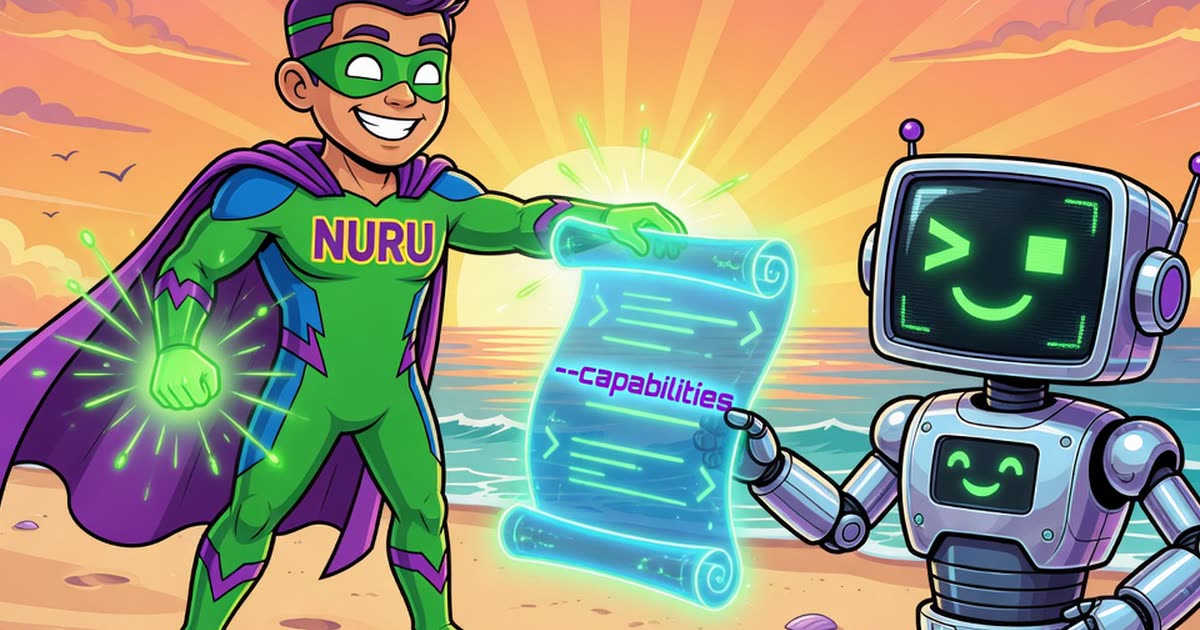
Image: https://media.timewarp.software/nuru/v3.0.0/nuru-3-og.jpg
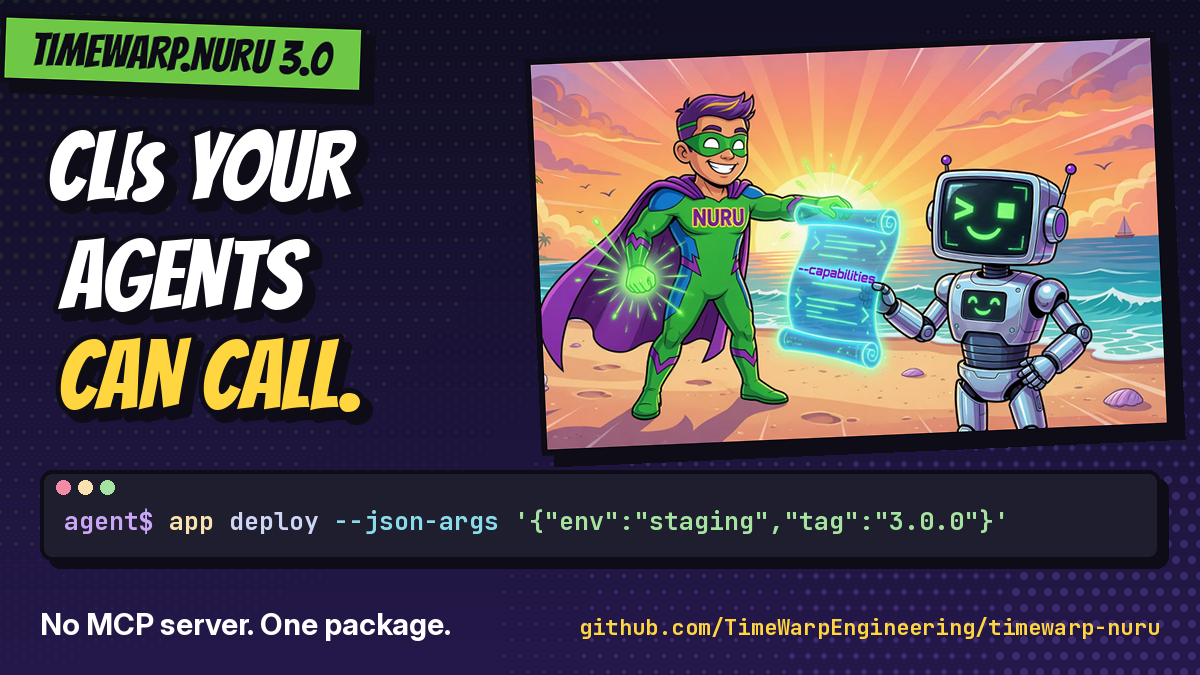
Image: https://media.timewarp.software/nuru/pitch/nuru-card-v2.png